

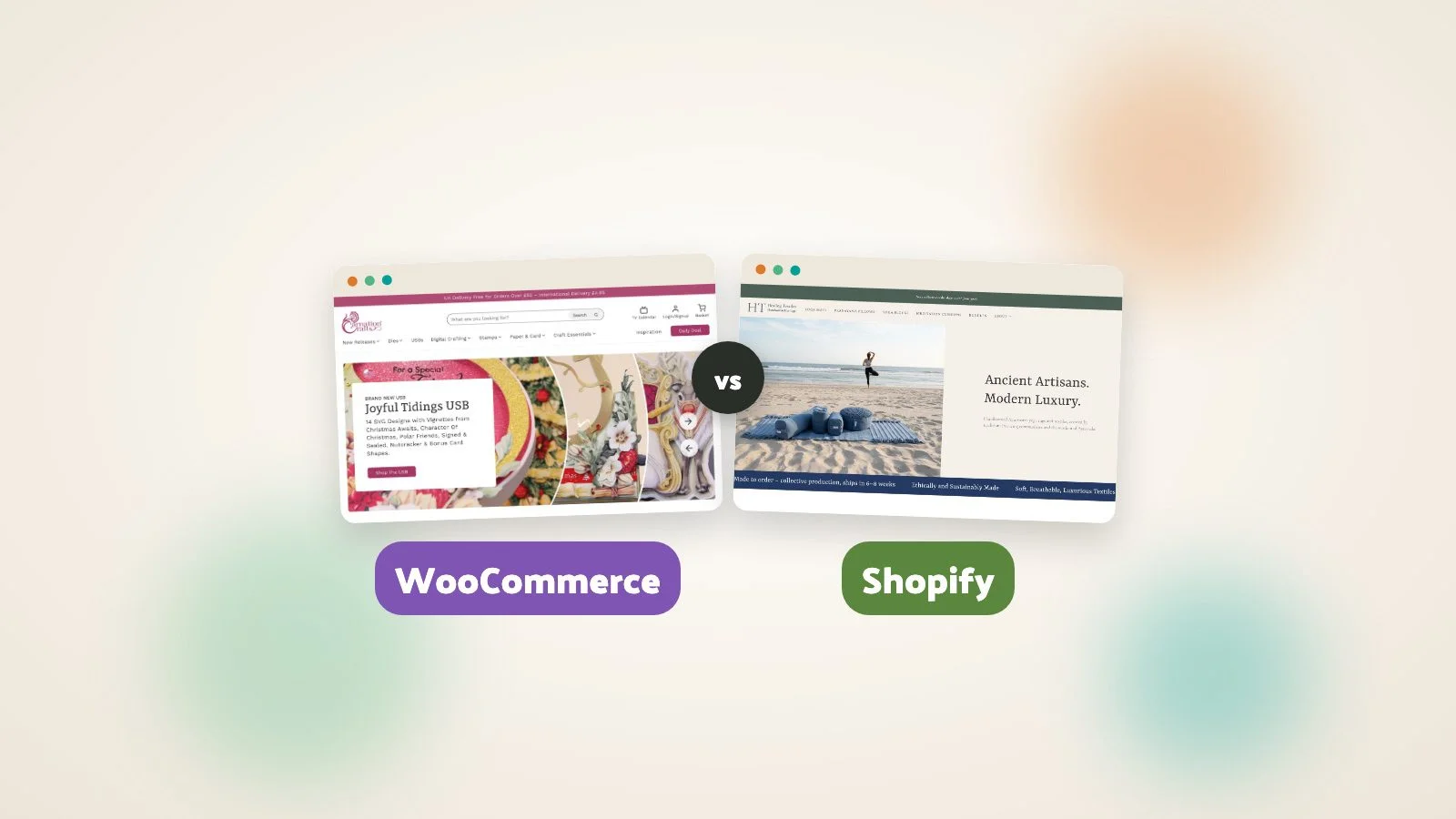
We’ve built shops on both. When someone asks us which one to go for, we answer with a few questions of our own. Slightly annoying, I know. But the answers usually point the way.
What is your budget, and how soon do you need to sell?
It’s a big part of the decision.
Shopify is typically quicker to get up and running, and the outlay at the start is smaller. If you need a shop live in weeks and the budget is tight, that counts for a lot.
The catch comes later. Shopify usually costs more per month once you add apps. You pay Shopify itself, then each app on top, and apps are generally billed monthly. WooCommerce plug-ins tend to cost less, and they are often a yearly payment rather than a monthly one.
Work out what it costs you over a few years, with the add-ons you actually need. A shop that needs three or four paid add-ons can end up in a very different place on Shopify than on WooCommerce.
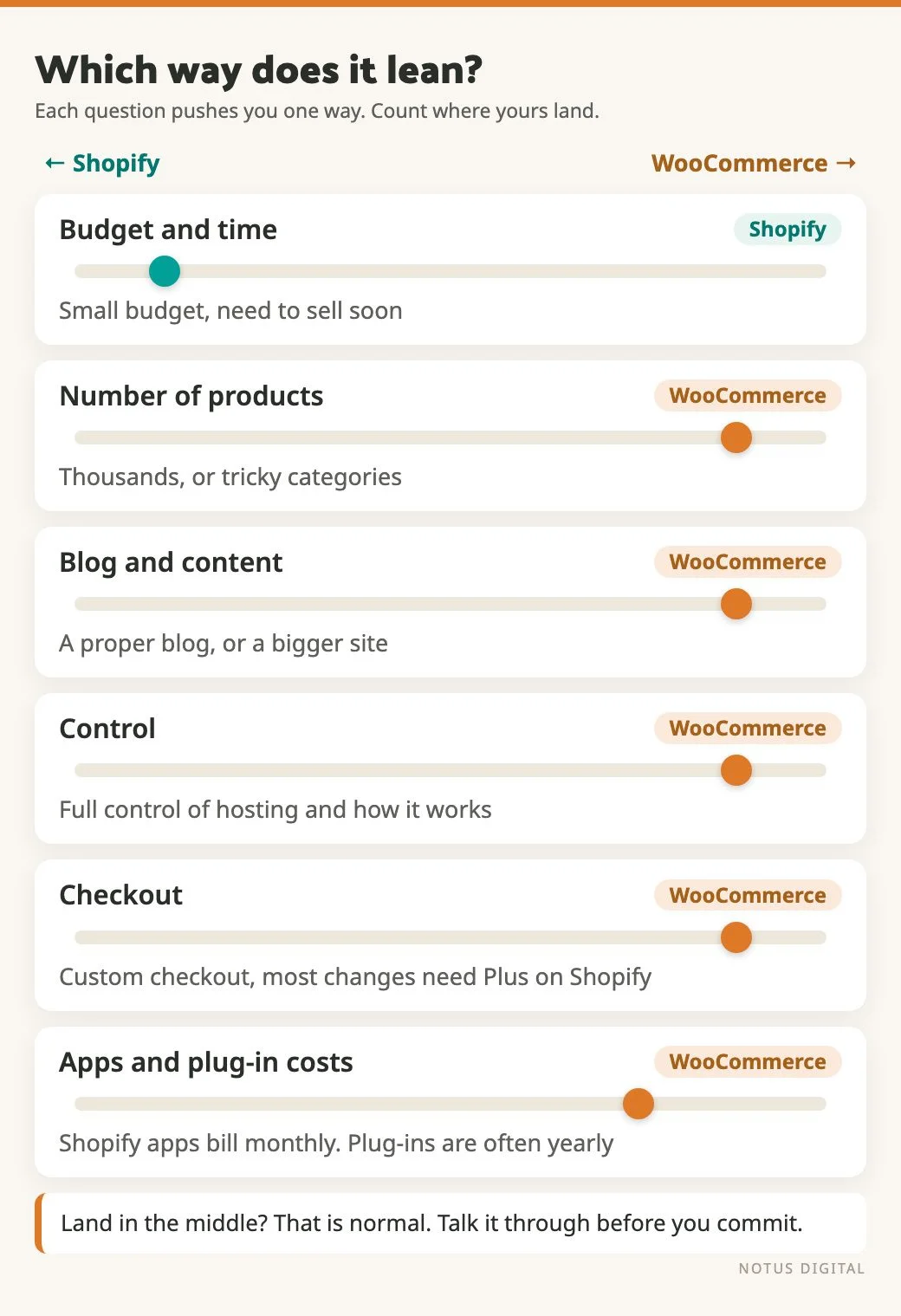
How many products do you have, and how messy are the categories?
A shop with 20 products is simple on either platform. It gets harder when you’ve got thousands of products, filtered and grouped in several different ways.
Lots of products or complicated categorisation points towards WooCommerce. It gives you much more flexibility in how you organise things. If your customers browse by project, by material, by occasion and by brand, you want a platform that will let you build that structure.
What else does the site need to do?
Shopify is really good at the shop itself. Where it falls down a bit is the blog and the normal pages.
WooCommerce sits on WordPress, so the content side is much stronger. That matters if you plan to run a proper blog with guides on it, or if the shop is only one part of a bigger site.
How much control do you want?
Shopify is hosted by Shopify. That’s handy, because it’s one less thing for you to worry about. It also means you work within what they provide as a service.
WooCommerce is open source and you can host it yourself. You have full control. It is easier to change things and to make the functionality your own. WooCommerce runs a huge number of shops, so most problems have already been solved by someone.
Somebody has to look after the hosting, the updates and the security. That’s a real job. Be honest with yourself about who is going to do it.
Does the checkout need to be different?
On Shopify, you can brand the checkout, but most changes to how it works need Shopify Plus. That is a much higher monthly cost, and it is aimed at bigger shops. For a small business it is often not a realistic route.
WooCommerce lets you customise the checkout. If the way people pay or the information you collect at that stage is unusual, this alone can decide it.
Is it a standard shop?
If you sell a normal physical product at a normal price, both platforms cope fine.
If it is subscription based, or you are not selling a traditional physical product, WooCommerce gives you more room to customise. The catch is someone has to build it properly.
How quickly can you learn it?
Shopify has a smaller learning curve for adding products. Most people find their feet quickly.
WooCommerce is a bit more complicated. In return, you can do more with it. If you will be adding products yourself every week, try both admin screens before you decide.
What about data and AI?
Shopify has improved a lot recently on data, especially with its AI assistant, Sidekick. It can look at your store data, spot trends and suggest changes. For a small team with no analyst, that is useful.
WooCommerce does not have that built in. With the right setup you can do something similar using AI tools, but you will probably need a developer to put it in place.
Which platform we picked for two of our clients
Carnation Crafts sells paper craft supplies, with thousands of products. They wanted YouTube videos built into the site, showing how to use the products and what you can make with them. A big part of the site hosts those videos as events, with new ones coming weekly, sometimes daily. They also wanted daily deals and weekend deals, which we had to talk through in detail and which were complex to manage. Put all that together and it was a more involved build. WooCommerce was the right fit.
Healing Textiles sells textiles and yoga products. The catalogue is very small, about 20 products at most. They had a small budget and needed to be up and running quickly. They were already on Shopify, so they understood how it worked. Shopify was the sensible answer.
A quick way to decide
Lean towards Shopify if:
- you have a small catalogue
- the budget is small and you need to launch quickly
- the shop is standard and you want to add products yourself without much learning
- you are happy to work within what Shopify provides
Lean towards WooCommerce if:
- you have lots of products or complicated categories
- the blog and content side matter to you
- you need a customised checkout, subscriptions or something non-standard
- you want control over hosting and how the shop works, and you have a developer to help
If you land in the middle, that is normal. It is worth a short conversation before you commit, because moving platforms later is possible but is a project in itself.
If you are unsure, get in touch and tell us what you sell. We’ll tell you which one we’d use.
WooCommerce and Shopify questions small shops ask
Often it is cheaper to run. Shopify usually costs more per month once you add apps, and those apps are generally billed monthly. WooCommerce plug-ins tend to be lower cost and are often a yearly fee. The up-front build can go the other way: Shopify is typically quicker to set up with a smaller outlay at the start. Work out the cost over a few years, with the add-ons you need, before you compare.
WooCommerce, usually. Lots of products or complex categories suit it, because it gives you more flexibility in how you organise them. Our Carnation Crafts build is an example.
WooCommerce. It sits on WordPress, so the blog and normal pages are stronger. Shopify is really good at the shop itself. Its blog and content pages are weaker.
On WooCommerce, yes. On Shopify, you can brand the checkout, but most changes to how it works need Shopify Plus, which costs a lot more each month and is aimed at bigger shops.
Shopify. It has a smaller learning curve for adding products. WooCommerce is a bit more complicated. In return, there is more you can do with it.