

Speed isn’t a nice-to-have
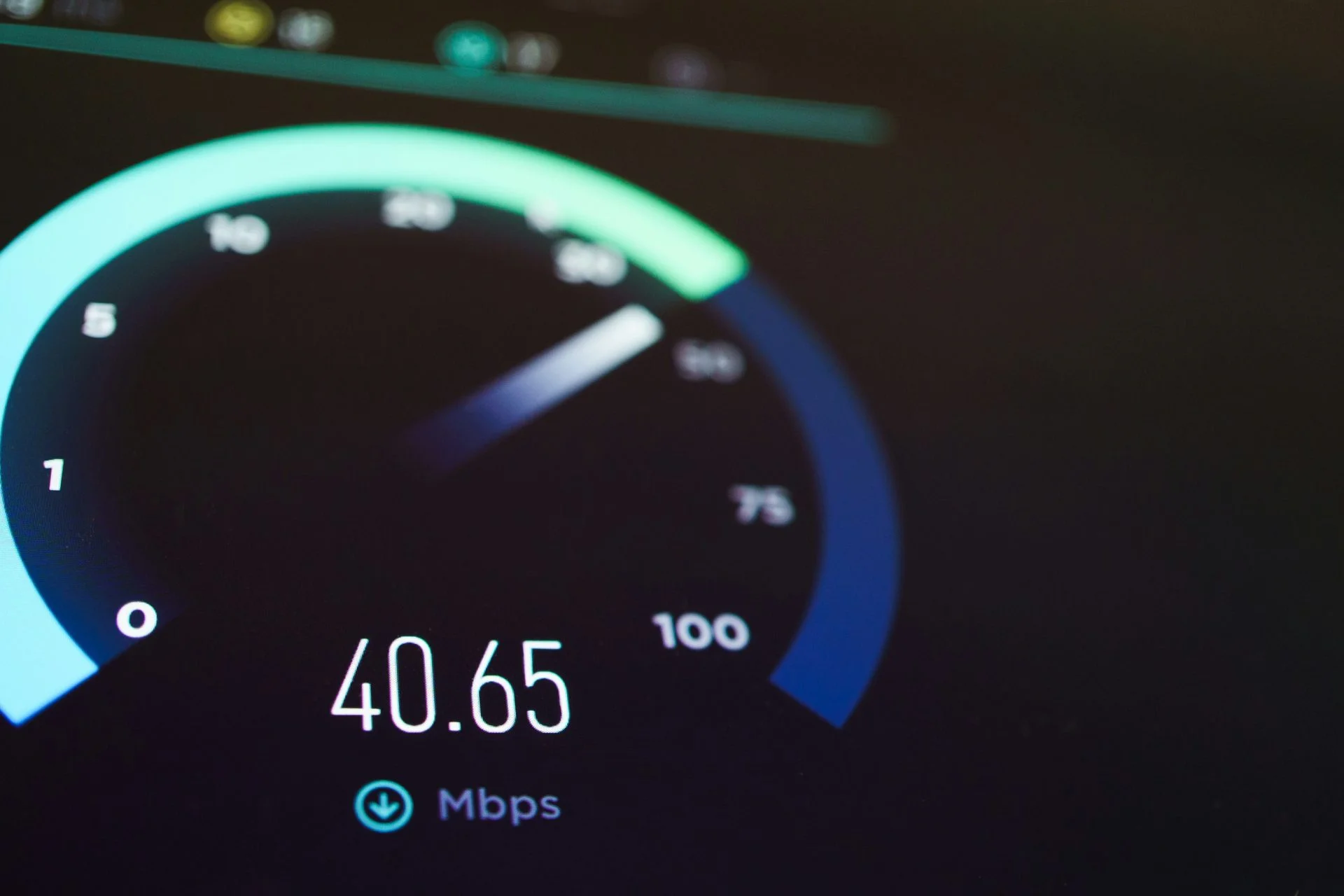
Here’s something I see all the time. A business owner comes to us frustrated that their website isn’t performing. Traffic is flat, bounce rate is high, enquiries are drying up. They’ve been told they need better content or more backlinks. And sometimes that’s true. But before we get into any of that, I always ask the same question: how fast does your site actually load?
Because if your website takes four or five seconds to load, none of the other stuff matters. People have already left.
Research from Google consistently shows that as page load time increases from one second to three seconds, the probability of a visitor bouncing increases by 32%. Push that to five seconds and it jumps to 90%. That’s not a rounding error. That’s the majority of your potential customers walking away before they’ve even seen what you offer.
If your website takes more than three seconds to load, you’re losing visitors before they’ve read a single word.
What Google actually measures: Core Web Vitals
Google introduced Core Web Vitals as a ranking factor back in 2021, and they’ve only become more important since. There are three metrics you need to know about:
- Largest Contentful Paint (LCP) measures how long it takes for the main content on your page to load. Google wants this under 2.5 seconds.
- Interaction to Next Paint (INP) measures how quickly your site responds when someone clicks a button or interacts with it. Under 200 milliseconds is the target.
- Cumulative Layout Shift (CLS) measures how much things jump around on screen while the page is loading. You want this under 0.1. We’ve all been on sites where you go to tap a button and the page shifts, sending you somewhere else entirely. That’s a CLS problem.
These aren’t just vanity metrics. Google uses them as actual ranking signals. If two pages have similar content and backlink profiles but one loads significantly faster, the faster page has an advantage. It’s not the only factor, but it’s a real one. If you want to understand more about how rankings work beyond just speed, have a read of our post on SEO beyond keyword stuffing.
Speed, conversions, and your bottom line
Rankings aside, speed directly affects whether people buy from you, fill in your contact form, or pick up the phone. This is where it ties into conversion rate optimisation.
Amazon famously found that every 100 milliseconds of added load time cost them 1% in sales. Now, you’re probably not Amazon, but the principle scales. If your site is slow, your conversion rate suffers. It’s that simple.
Speed is also one of the biggest factors in reducing your bounce rate. A visitor who waits too long doesn’t just leave your site, they go straight to a competitor. And they’re unlikely to come back.
For a deeper look at how all of this connects to your overall conversion strategy, our complete guide to CRO for small businesses covers the bigger picture.
Mobile vs desktop: the gap matters
Something a lot of people overlook is that mobile and desktop performance can be wildly different. Your site might load in two seconds on your office desktop with a fibre connection, but take six seconds on someone’s phone over 4G.
With over half of all web traffic now coming from mobile devices, your mobile speed score is arguably more important than desktop. Google uses mobile-first indexing, which means it primarily looks at the mobile version of your site for ranking purposes.
If you’ve only ever tested your site speed on a desktop, you might be in for a surprise.
How to test your website speed
There are two free tools I’d recommend starting with:
- Google PageSpeed Insights (pagespeed.web.dev) gives you both mobile and desktop scores, plus specific recommendations tied to Core Web Vitals. It uses real user data where available, which makes it particularly useful.
- GTmetrix (gtmetrix.com) provides a more detailed technical breakdown, including waterfall charts that show exactly what’s loading and in what order. Handy for diagnosing specific bottlenecks.
Run both. Look at your mobile scores first. If you’re scoring below 50 on PageSpeed Insights for mobile, there’s meaningful work to be done.
For a broader look at what else to check, our guide on how to conduct a website audit walks through the full process.
The usual suspects: common speed killers
After auditing hundreds of websites, the same culprits come up again and again.
Oversized images
This is the number one offender. People upload photos straight from their camera or phone at 4000 pixels wide and 5MB in size, when the image is only ever displayed at 800 pixels. Resize your images before uploading. Use modern formats like WebP where possible. And compress them. Tools like ShortPixel or Imagify can handle this automatically on WordPress.
Too many plugins
Every plugin you install adds code that needs to load. Some add a lot. I’ve seen WordPress sites with 40+ plugins where half of them were either redundant, outdated, or doing something that could be handled with a single line of code. Audit your plugins regularly. If you’re not using it, remove it.
Poor hosting
Cheap shared hosting might save you a few quid a month, but it can seriously hold your site back. If your site is sharing server resources with hundreds of other websites, performance will suffer, especially during peak traffic. Quality managed WordPress hosting from providers like Cloudways, Kinsta, or 20i can make a noticeable difference.
Render-blocking resources
CSS and JavaScript files that load in the header can block the page from rendering until they’ve fully downloaded. Deferring non-critical scripts and inlining critical CSS can significantly improve your LCP score.
No caching
Without caching, your server rebuilds every page from scratch for every visitor. A good caching plugin (WP Rocket, for example) serves a pre-built version of your pages, which is dramatically faster.
Third-party scripts
Chat widgets, analytics tools, social media embeds, font libraries. Each one adds HTTP requests and processing time. Audit what’s actually necessary and remove anything that isn’t pulling its weight.
Practical fixes you can make today
Here’s a quick action list to get started:
- Compress and resize all images. Aim for under 100KB per image where possible. Use WebP format.
- Install a caching plugin. WP Rocket or LiteSpeed Cache are solid options for WordPress.
- Deactivate and delete unused plugins. Be ruthless. If it’s not doing something essential, it goes.
- Enable lazy loading. This means images below the fold only load when a visitor scrolls to them, not all at once on page load.
- Minify CSS and JavaScript. Most caching plugins include this option. It strips out unnecessary whitespace and comments from your code.
- Use a CDN. A content delivery network serves your files from the closest server to your visitor, reducing load times for users further from your hosting location.
- Review your hosting. If you’re on budget shared hosting and you’ve done everything else, upgrading might be the single biggest improvement you can make.
These overlap nicely with our 5 quick wins to improve your conversion rate, because a faster site naturally converts better.
Most website speed problems come down to images, plugins, and hosting. Fix those three and you’ll see a difference.
When a fix isn’t enough: considering a rebuild
Sometimes the speed issues go deeper than a few optimisations can fix. If your site was built on a bloated theme with poor code structure, or if it’s been patched together over years with layers of plugins, you can hit a ceiling where no amount of tweaking will get you where you need to be.
In those cases, it might be worth considering a rebuild with a clean, lightweight theme built specifically for your needs. Our approach to web design prioritises performance from the ground up, because retrofitting speed is always harder than building it in from the start.
A good starting point is understanding the design heuristics that make websites work well, and our guide to effective web design covers the principles behind sites that perform.
The bottom line
Website speed isn’t a technical detail to leave to your developer and forget about. It affects your search rankings, your bounce rate, your conversion rate, and ultimately your revenue. The good news is that most speed issues are fixable, and often without a massive budget.
Start by testing your site. Identify the biggest problems. Fix the easy wins first. And if you need a hand figuring out where to start, get in touch and we’ll take a look.